 System Mechanic®
Boosts Speed
LiveBoost automatically increases the speed and availability of CPU, RAM, and hard drive resources for the smoothest gaming, editing, and streaming experience.
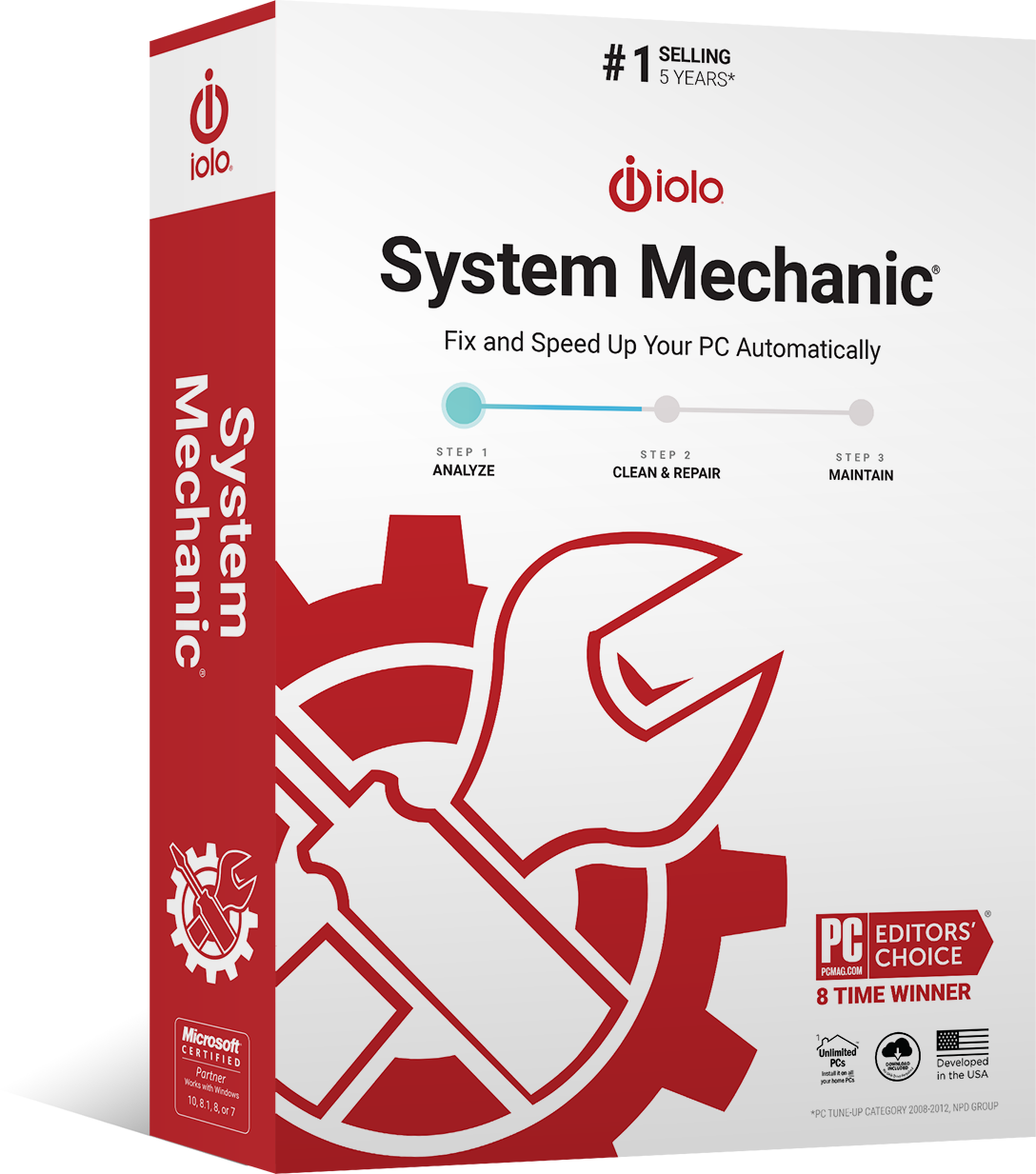
Clean up and optimize your Windows PC with the award-winning System Mechanic. Better performance, increased speed and more processing power in seconds.
30-day money-back guarantee · Works on all your home PCs
Smart ActiveCare uses artificial intelligence to detect and repair issues while your PC is idle, so maintenance never gets in your way.
1,976
issues found and fixed
One subscription covers cleaning, repair, speed and privacy — handled automatically, on every personal computer in your home.
LiveBoost automatically increases the speed and availability of CPU, RAM, and hard drive resources for the smoothest gaming, editing, and streaming experience.
Smart ActiveCare uses AI to detect and repair issues when your PC is idle, so you’re not interrupted.
Finds unwanted startup programs that slow you down by launching and running without your knowledge.
Safely wipes sensitive browsing history and patches Windows security vulnerabilities that can harm your computer.
NetBooster optimizes hidden Windows internet settings for faster downloads, snappier page loads, and less buffering.
Removes over 50 types of hidden junk files to free up valuable disk space and make more room for your documents, movies, music, and photos.
One subscription covers all personal computers in your home — up to 10 Windows PCs. Network Scanner identifies devices on your home network, so you know exactly what is connected.
Install on every family computer with a single activation key. No extra purchase per device.
Network Scanner shows the external devices and connections on your home network.
Helps secure open ports and connected home devices before someone else finds them.
Three steps from sign-up to a PC that looks after itself.
Pick System Mechanic on the sign-up page. The price and billing period are shown in full before you confirm anything.
After sign-up you receive your activation key. Install System Mechanic on your Windows PC and enter the key to activate.
Smart ActiveCare takes over from there: it scans, repairs and cleans while your PC is idle, so you are never interrupted.
Millions of people around the world have already made System Mechanic the place to fix their PC problems.
“System Mechanic is a slick suite of tune-up tools that can dramatically improve your PC’s performance.”
 PC Mag Editors’ Choice
“System Mechanic is a quick, simple way to clear unwanted files from your PC and give it a noticeable performance boost.”
 TechRadar
“System Mechanic is a simple way to give your PC a basic clean-up, and its detailed scans and scheduling options are a cut above many rival programs.”
 Top Ten Reviews
Get System Mechanic today and let Smart ActiveCare handle the maintenance for you.
Get System Mechanic — $43.9430-day money-back guarantee · Windows® 11, 10, 8.1, 8, 7